
Conversion funnels for online marketers

GetResponse Webinar Platform: Features, Benefits, and How It Works

GetResponse’s webinar platform lets you host live events and manage invitations and follow-up with email marketing. Nearly 90% of organizations ran the same or more webinars than the previous year, and 80% of companies surveyed planned to raise or hold their webinar budget in 2026. This setup suits people who want event and contact management in one workflow. You’ll find the details to assess its features, plan options, and setup.

Match your expected audience and recording needs to a plan before building the event. That choice helps you plan for the people who will attend live and those who may watch later.

Key Takeaways

  • GetResponse connects webinar hosting with email marketing and automation.
  • Room tools support live audience interaction and presenter sharing.
  • Plan capacity and recording storage affect your choice.
  • Registration can add contacts to a list and send joining details.
  • Plan invitations and follow-up as part of the event.

GetResponse Webinar Platform Features for an Interactive Room

You can stream audio and video, share materials, and engage attendees in the webinar room. Live interaction includes polls, chat, and a digital whiteboard.

These tools suit training, product demonstrations, workshops, and marketing presentations. Creator and Enterprise include HD webinars, breakout rooms, and space for up to three presenters.

Four professionally dressed attendees, two men and two women, use laptops in a modern webinar room. A large screen displays a live poll with colorful charts and results, while a window and minimal furnishings fill the background.

Ultimate Lead Gen

Live tools for audience participation

You can share your desktop or files while attendees follow along. Polls let you check understanding, and chat gives participants a way to ask questions or share views.

A webinar can also support lead generation, though results depend on the offer and audience. A webinar landing page can reach a conversion rate of up to 51%.

A middle-aged presenter in a navy suit and glasses gestures toward a large screen showing colorful webinar slides, charts, and interface elements. The screen stands in a modern virtual studio with organized equipment and warm-toned walls.

Ultimate Lead Gen

In survey findings, 78% of hosts used a dedicated webinar platform rather than YouTube or Vimeo. Also, 89% of marketers said webinars created more qualified leads than other channels, and 73% of B2B marketers and sales leaders called them the best way to generate high-quality leads.

Weigh interaction tools and email marketing against plan capacity and recording limits when reviewing the platform.

A laptop displays a colorful webinar poll with pie charts and response options. Business participants of varied backgrounds sit nearby, using devices and taking notes in a modern virtual conference setting with subtle branding.

Ultimate Lead Gen

Mobile access and presenter controls

Attendees can join on phones using Safari, Chrome, or the GetResponse Webinars app. Presenters can also run a webinar through the app.

For comparison, a Zoom Meeting centers on interactive participation with attendee audio and video. A Zoom Webinar suits a more structured presentation with Q&A.

A business-casual professional sits on a modern couch, watching a webinar on a smartphone with a focused expression. A notepad and pen rest on a coffee table nearby, with framed inspirational quotes and a bookshelf in the background.

Ultimate Lead Gen

A paid Zoom Webinar add-on supports 500 to 50,000 attendees, depending on its license. Paid Zoom Meeting add-ons support up to 1,000 participants.

A business presenter operates a laptop while screens show webinar participants and chat messages. Books and awards line shelves in the office, with a cityscape visible through a large window.

Ultimate Lead Gen

Seventy-five percent of marketers prefer live webinars, while 94% of hosts make them available afterward. Before the live event, test the attendee link from a phone browser and confirm that the chat is accessible.

Several diverse professionals in business-casual clothing sit around a conference table, watching a recorded webinar on a large screen. A projector displays colorful presentation visuals as attendees take notes in a bright office with large windows.

Ultimate Lead Gen

GetResponse Webinar Platform Pricing and Plan Limits

Creator includes webinars for up to 100 attendees at $69 per month or $56.58 per month with annual billing. Enterprise uses custom pricing. Recording storage and audience size help you compare plans.

GetResponse webinar platform pricing depends on the plan or add-on. Creator and Enterprise include webinars, while paid webinar add-ons are for Starter and Marketer accounts.

A digital device displays a webinar plan with sections for Agenda, Key Speakers, and Target Audience, each marked with an icon. A laptop and notepad sit on the workspace behind it, with a presentation screen in a conference room in the background.

Ultimate Lead Gen

Webinars included with Creator and Enterprise

Creator includes three hours of recording storage and Enterprise includes 20 hours. Both plans allow up to three presenters, HD webinars, and breakout rooms.

A laptop on a tidy office desk displays a webinar interface beside a microphone and camera aimed at a screen recording setup. A business professional joins a virtual meeting, with large windows and a city skyline behind them.

Ultimate Lead Gen

Plan or add-on Attendee capacity Monthly price Recording storage
Creator Up to 100 $69 monthly; $56.58 with annual billing 3 hours
Enterprise Up to 1,000 Custom pricing 20 hours
Webinars 100 for Starter and Marketer 100 $40 3 hours
Webinars 500 for Starter and Marketer 500 $99 10 hours

A digital display shows two graphs comparing webinar attendee limits and storage capacities. Three business professionals discuss the charts beside a conference table with laptops, notepads, and coffee cups, with a city skyline visible through large windows.

Ultimate Lead Gen

Paid webinar add-ons and free access

The add-ons renew every 30 days and include unlimited webinars, with only one webinar running at a time. Webinars 100 costs $40 per month, and Webinars 500 costs $99 per month.

Three professionals gather around a computer showing a Webinar Add-On selection page. A man in a blazer points at the screen as a woman takes notes; a laptop displays webinar options in their plant-filled office.

Ultimate Lead Gen

Free accounts can host webinars for up to 10 attendees during their first 30 days. North American accounts may not be able to buy or enable webinar add-ons; upgrading to Creator provides webinar access.
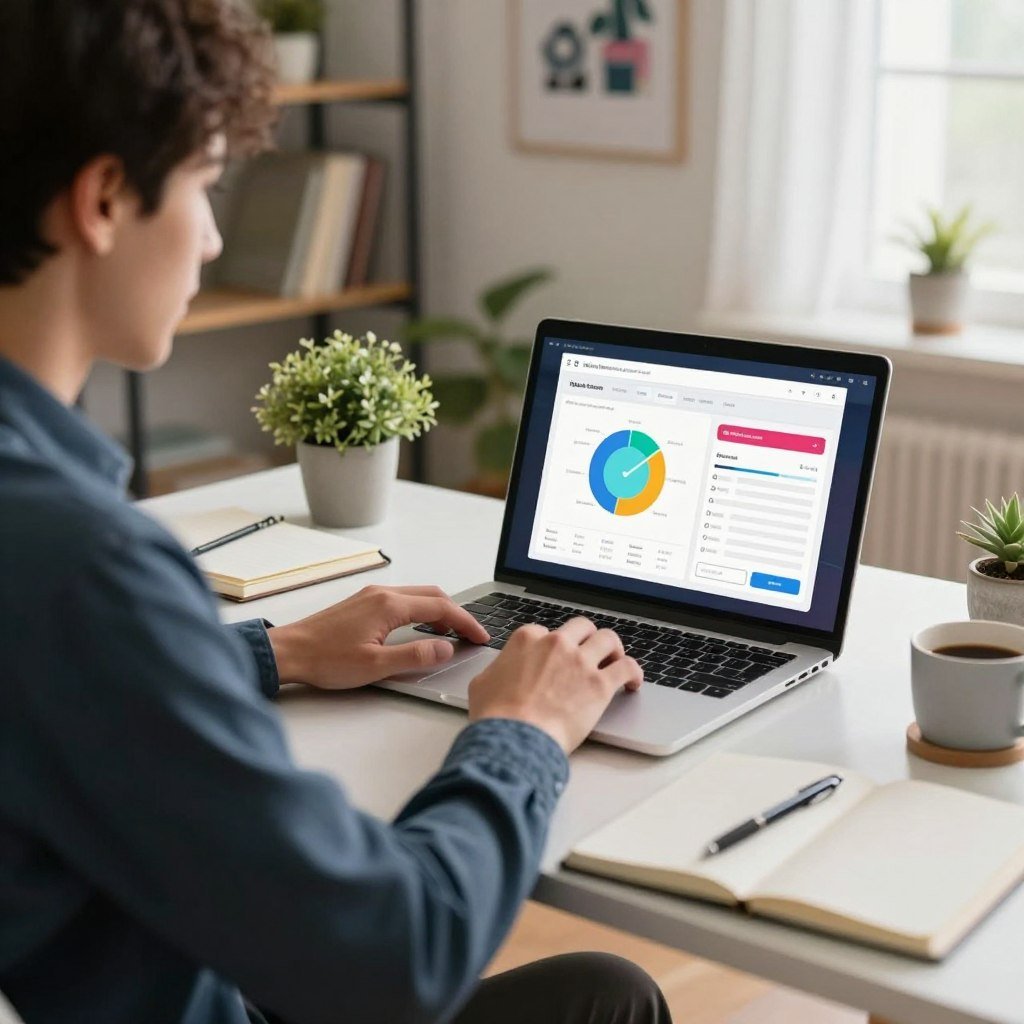
A business professional plans a small webinar at a tidy desk, using a laptop with colorful charts and scheduling options. Notebooks, a plant, and a coffee cup sit nearby in a home office with bookshelves and motivational artwork.

Ultimate Lead Gen

Choose an allowance that covers your expected live audience and recording needs, and account for the one-webinar-at-a-time limit when scheduling.

A business professional in smart casual clothing reviews webinar metrics on a tablet beside a conference table with laptops, notepads, and tech equipment. A wall-mounted screen shows audience capacity and engagement data, with greenery visible through a large window.

Ultimate Lead Gen

How Do You Create and Promote a Webinar in GetResponse?

Create the event in Webinars, set its schedule and registration, then invite the right contacts and plan your follow-up. Registration settings connect sign-ups to your contact list.

Registrants can be added to a list and sent joining details automatically. You can also use the optional title AI generator, edit the lobby message, and customize the thank-you page.

Three business professionals, two men and a woman, gather around a laptop displaying the GetResponse webinar interface. A large screen behind them shows graphs and webinar statistics, with office furniture, plants, and windows overlooking a city skyline.

Ultimate Lead Gen

  1. Open Webinars, choose Manage webinars, then select Create webinar.
  2. Set the title, URL, schedule, and duration; choose recording or on-demand settings if needed.
  3. Set registration, contact-list assignment, consent fields, and optional reminders.
  4. Create an invitation with the Webinar block, then choose recipients and send or schedule it.
  5. Prepare the live session and plan a follow-up for attendees and registrants.
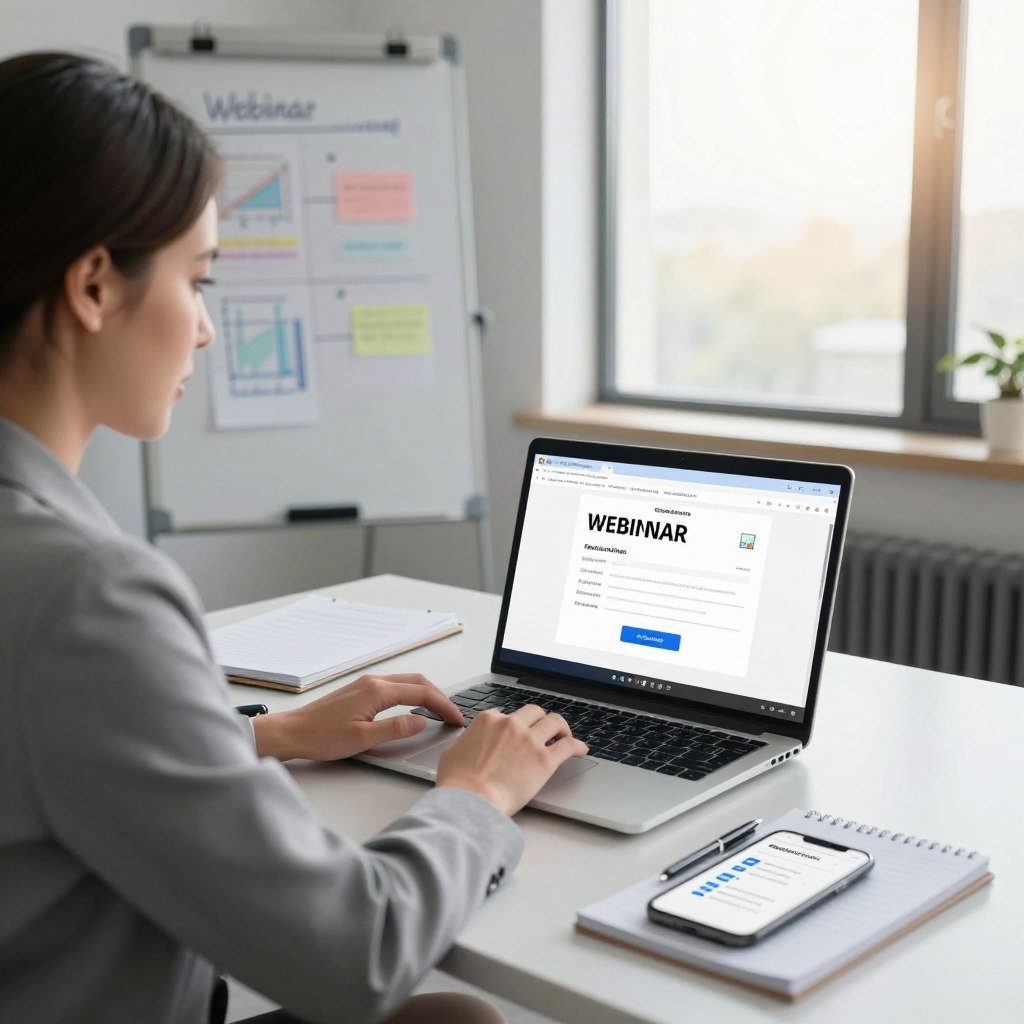
A professional woman in business attire sits at a sleek desk with a laptop displaying a webinar registration page. A notepad and pen sit beside a smartphone with reminder notifications, while a whiteboard behind her shows webinar notes and charts.

Ultimate Lead Gen

Keep a session to 30-60 minutes; high-performing webinars often run about 45 minutes. A 2026 benchmark summary found Tuesday through Thursday worked best, with peak times from 11 a.m. to 2 p.m.

A professional woman in business attire schedules a webinar on her laptop at a desk with a notebook, coffee cup, and smartphone. A wall calendar marked with dates, times, and webinar icons hangs nearby, and large windows overlook the office.

Ultimate Lead Gen

Average live attendance is 49%, rising to 57% when replays count. The average webinar conversion rate is 63%, so plan a next step that fits the session.

A business professional reviews colorful attendance graphs and charts on a large computer monitor at a sleek desk. A wall-mounted screen shows replay options for past webinars, with an indoor plant and large windows nearby.

Ultimate Lead Gen

Invitation emails average 1.7 times the open rate and 4.5 times the click rate of general marketing emails. The GetResponse builder is introduced in a 20-minute, 2-second instructional video.

End the invitation with the session’s main benefit and a clear registration action.
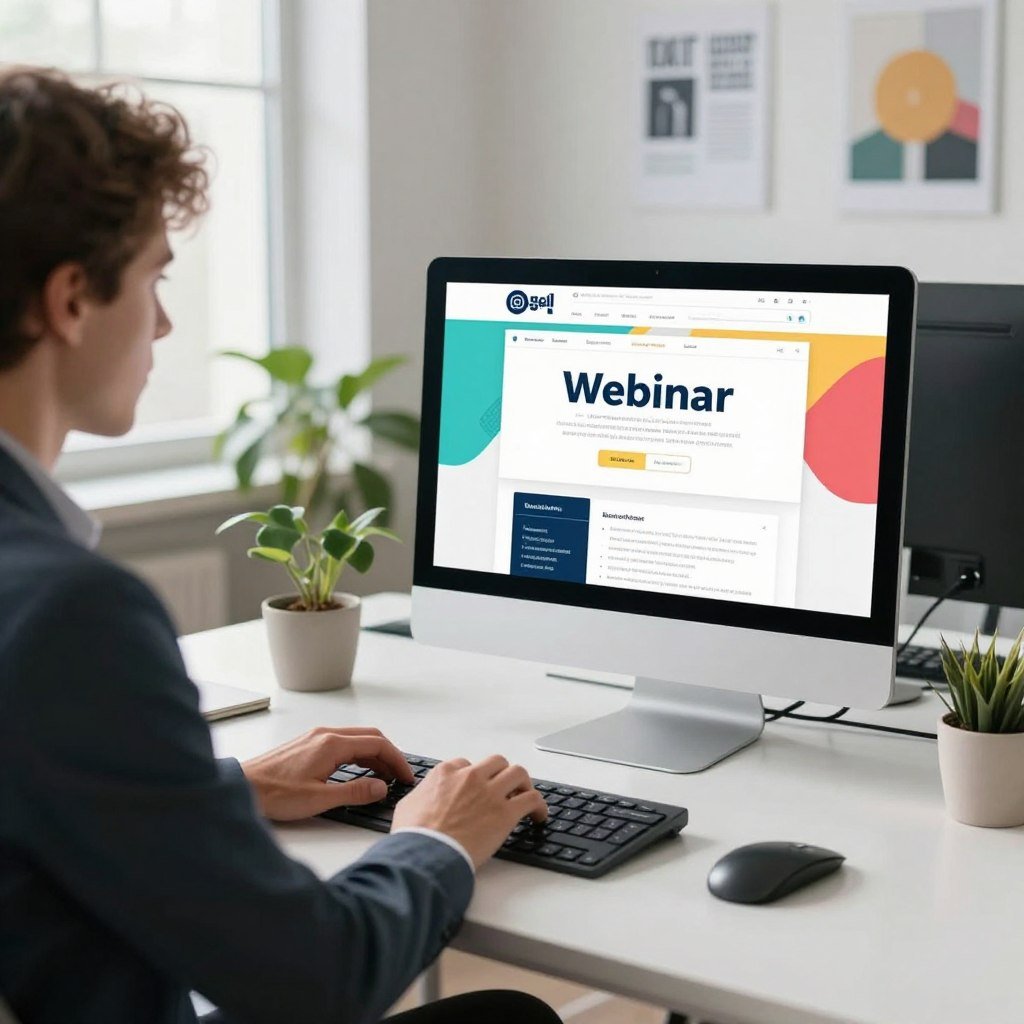
A business professional in smart attire types a webinar invitation at a sleek desk. The computer screen shows a colorful email template, while plants and motivational posters decorate the bright office around them.

Ultimate Lead Gen

Use the final preparation time to check your slides, links, and speaker order. That simple check can keep the session focused when attendees arrive.

A woman in business attire reviews webinar slides on a laptop at a modern desk, with organized notes, a coffee cup, tablet, and smartphone nearby. A projector displays slides beside bookshelves and a large office window.

Ultimate Lead Gen

Conclusion

A useful webinar plan connects the live session to a clear registration and follow-up path. GetResponse webinar funnels can be free or paid and include payment gateways for events where you charge for access.

Those funnels can include registration pages, invitation and nurturing emails, and subscription settings. Choose a path that fits your event’s purpose, whether you want to teach, present a product, or sell entry.

Draft the registration flow and one invitation message before publishing your event.

FAQ

What is a webinar used for?

A webinar can deliver training, product demonstrations, educational workshops, or marketing presentations. You can use polls and chat to involve attendees during the session. Registration also gives you a way to keep in touch with people who sign up, share useful follow-up material, and guide interested viewers toward a next step.

Are webinars still effective in 2026?

Yes, webinars remain effective, with 49% average live attendance and 57% total attendance when replays count. The average webinar conversion rate is 63%. These benchmarks offer context, not a promise for each event. Your topic, invitation, and audience can all shape who attends and takes action.

How to make an online webinar?

Choose a topic and schedule, then set registration and contact-list details. Invite attendees by email and prepare the session materials. During the event, use a clear presentation and invite audience participation. Afterward, send a follow-up that fits what attendees saw, such as a replay or a related offer.

What is the best platform to host webinars?

GetResponse suits you if you want webinar hosting connected to email marketing. It can keep registration, invitations, and follow-up within one workflow. Zoom Webinar is another option for structured presentations with Q&A, and paid licenses support up to 50,000 attendees. The right fit depends on your audience size and event style.

Do I need a webcam for a webinar?

No, a webcam is optional for a webinar built around voice, slides, or screen sharing. You can present the key information without showing your face. A camera may help attendees connect with a presenter, but a clear voice and well-planned slides can carry the session on their own.

What can I use instead of a webcam?

You can use narrated slides, screen sharing, or a prerecorded video instead of a webcam. Narrated slides work well for a lesson with a clear sequence. Screen sharing suits software demonstrations, while a prerecorded video can show a process that is hard to repeat live. You can add chat for audience questions.

What’s the difference between a Zoom and a webinar?

Zoom is a service, while a webinar is an online event format. Zoom Meetings focus on interactive participation, with attendee audio and video. Zoom Webinars suit a more structured presentation and include Q&A. Both can host online events, but the meeting format gives attendees a more active role.

Leave a Comment

Your email address will not be published. Required fields are marked *

Scroll to Top