
GetResponse brings ecommerce integrations, email marketing, and automation tools together for online stores that want to tailor customer communications. Its abandoned-cart link rebuilds a shopper’s cart when clicked, even if that shopper was not logged in when the cart was created.
You can connect store activity to useful messages, from a welcome email to a follow-up after a purchase. The practical value depends on how well your tools fit your store and customers. This article covers connections, campaigns, setup, and ways to use ecommerce data to support sales.
The right mix of tools depends on your store’s platform, customer journey, and marketing goals.
Key Takeaways
- Connect supported store activity with customer emails and automations.
- Use promotional, transactional, and lifecycle emails for different needs.
- Abandoned-cart links can rebuild carts for shoppers who were not logged in.
- Choose segments and campaigns based on real shopping behavior.
- Start with one clear goal, then review the results.
What GetResponse for Ecommerce Can Do for Your Store
GetResponse can connect store activity with campaigns that reach customers at different stages of shopping and ownership. Its ecommerce tools link store data with email marketing, marketing automation, audience targeting, and revenue reporting.
You can use the platform to welcome new subscribers, share product updates, and follow up with existing customers. Store activity can guide messages based on a customer’s actions, not just a mailing list. Shopify is one example of an ecommerce platform you can connect.
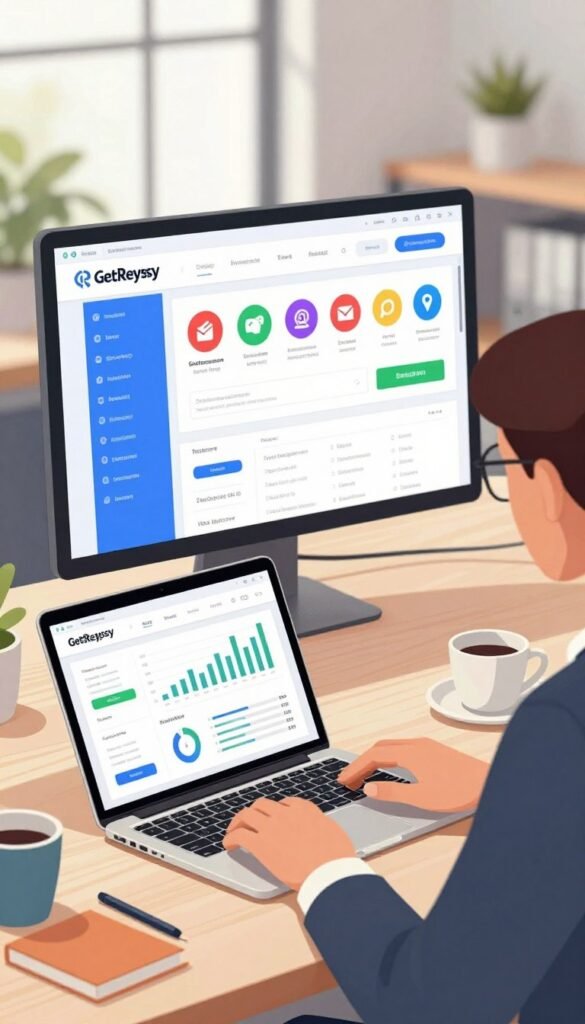
Match each feature to a clear store goal, such as welcoming subscribers, recovering carts, or encouraging another purchase.
New subscribers may need a first welcome message or useful information about your store. Existing customers may respond better to updates tied to their purchases, interests, or time since their last order.
Marketing automation can send messages after selected actions, while audience targeting helps you choose who receives each campaign. Revenue reports help you review how campaigns connect with store sales.
Use these features as tools for a specific business need rather than sending every message to every contact. A focused plan makes it easier to see whether a campaign supports the outcome you want.
Which Ecommerce Platforms Connect to GetResponse?
Shopify, WooCommerce, Magento, PrestaShop, Shoper, and IdoSell are among the ecommerce platforms GetResponse supports. In 2026, GetResponse lists these platforms among its ecommerce integrations.
A supported store can connect through a one-click integration. The connection can sync products, customer data, and past orders, giving your software store details for campaigns and reports.
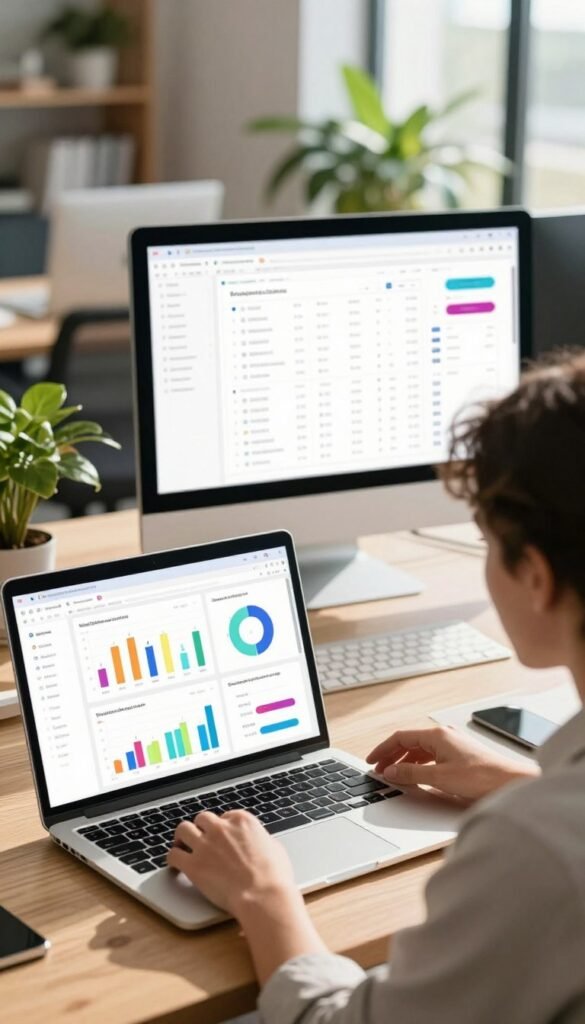
Connect a supported store
For many ecommerce platforms, the integration links your store with your GetResponse account. It can pass ecommerce data into the platform for use in email marketing and other features.
The table shows the platforms requested most often and their listed status. GetResponse also lists IdoSell as an integration, though it is not included as a separate table row.
| Platform | GetResponse ecommerce integration | Abandoned-cart campaign support |
|---|---|---|
| Shopify | Listed | Supported |
| WooCommerce | Listed | Supported |
| Magento | Listed | Supported |
| PrestaShop | Listed | Supported |
| Shoper | Listed | Supported |
Sync store and product information
A product feed can upload product data from another service. This option may help when your ecommerce platform does not connect through a listed store integration.
GetResponse also lists WordPress and Zapier among its integrations in 2026. Their presence does not mean every store feature works the same way across each connection.
Check that your store’s integration supports the specific data and campaigns you plan to use.
What Ecommerce Emails and Automations Can You Run?
An ecommerce email program works best when it combines promotional messages, transaction updates, and behavior-triggered communications. Each type serves a different purpose, from sharing an offer to confirming an order.
Promotional emails sell or inform, transactional emails confirm an event, and lifecycle emails respond to customer behavior. You can use automation to send the right message after a signup, purchase, or other action.

| Email type | Typical purpose | Examples |
|---|---|---|
| Promotional | Share offers and news | Product launches, newsletters, seasonal deals, promo codes |
| Transactional | Confirm a customer event | Subscription confirmations, order confirmations, shipping updates, surveys |
| Lifecycle | Respond to customer actions | Welcome, win-back, browse abandonment, cart abandonment, upsell, cross-sell |
Promotional emails for offers and new products
Promotional email marketing can introduce a product, share a seasonal deal, or send a subscriber promo code. A newsletter can also give customers useful updates between sales.
Send at least one promotional email per month. Weekly or biweekly sends can work when you have fresh offers or content that makes each message useful.
Transactional emails for order updates
Transactional emails give customers information about an action they took. Common examples include subscription and order confirmations, shipping updates, and customer surveys.
These emails answer practical questions at moments when customers expect clear details. Keep the order information easy to find and the message focused on its purpose.
Lifecycle emails based on customer actions
A welcome sequence can introduce your store, explain what subscribers can expect, and share a first offer. A post-purchase message can thank a customer and provide relevant care or use tips.
Other lifecycle campaigns can follow browsing, a missed purchase, or a customer’s interest in related products. Keep promotional sends useful and relevant so each message gives customers a reason to engage.
How Does GetResponse Recover Abandoned Carts?
A GetResponse Abandoned Cart campaign can send follow-up messages after a shopper leaves an order unfinished, then end when the shopper completes the purchase. The flow uses waits and triggers to time its messages.
The campaign’s full duration, including triggers and wait times, cannot exceed 21 days. In 2026, supported stores include Shopify, PrestaShop, WooCommerce, Magento, Shoper, and IdoSell.
Set timing and purchase conditions
Set a trigger for an abandoned cart, then choose when follow-up messages should go out. The flow ends automatically when the customer completes the purchase.
Use this four-step setup check before you activate the campaign:
- Choose a supported store.
- Set the campaign trigger and wait times.
- Confirm the full duration stays within 21 days.
- Check for another cart-recovery flow that could send duplicates.
Apply consent rules and review results
Ecommerce abandoned-cart messages require valid marketing consent. A person without valid marketing consent receives no ecommerce abandoned-cart message, even if they are an active subscriber.
A standard transactional email without marketing content follows a different rule. You can send it to a non-subscribed customer when the option to email non-subscribed customers is enabled.
GetResponse advises against running its Abandoned Cart campaign alongside a cart-recovery flow in Marketing Automation. Customers could otherwise receive duplicate messages about the same order.
Review abandoned carts, recovered carts, and campaign-generated revenue in Ecommerce reports. Keep the full sequence within 21 days and check for overlapping recovery flows before turning it on.
How Much Does GetResponse Cost for Ecommerce?
GetResponse’s 2026 listed monthly prices range from $19 for Starter to custom pricing for Enterprise, with lower monthly equivalents for annual billing on the three priced plans. Annual billing lowers the monthly equivalent for Starter, Marketer, and Creator.
Starter includes one custom automation workflow, while Marketer, Creator, and Enterprise include unlimited workflows. The table compares listed prices and workflow limits.
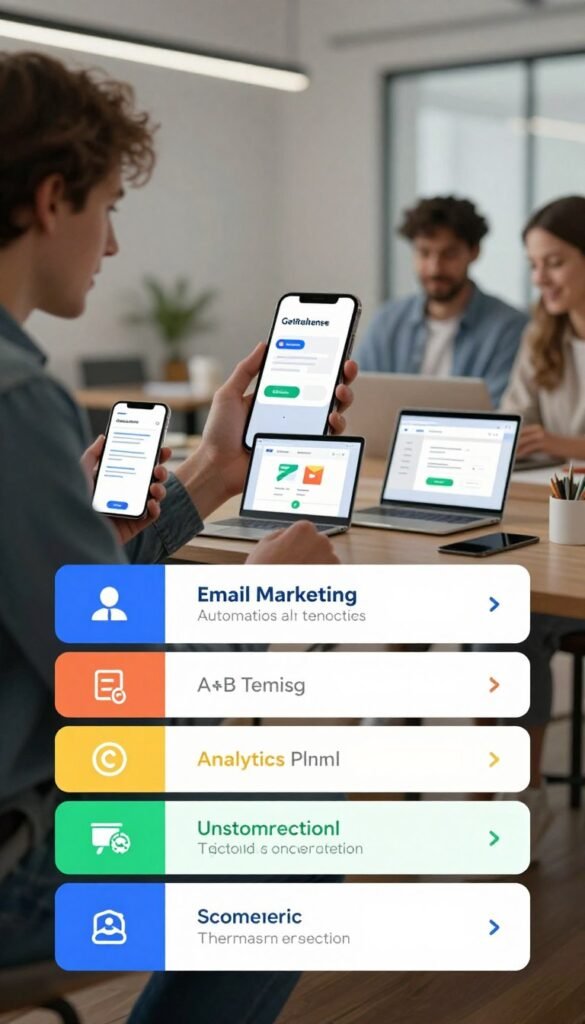
Compare plans and billing options
| Plan | Monthly price | Monthly equivalent with annual billing | Automation workflows |
|---|---|---|---|
| Starter | $19 | $15.58 | 1 custom workflow |
| Marketer | $59 | $48.38 | Unlimited |
| Creator | $69 | $56.58 | Unlimited |
| Enterprise | Custom | Custom | Unlimited |
All four plans include unlimited monthly email sends. GetResponse’s paid plans include a 14-day free trial, and you do not need a credit card to start it.
Match ecommerce features to the plan
Marketer, Creator, and Enterprise include abandoned-cart recovery, sales funnels, promo codes, and revenue reports. Starter’s included-feature list does not include abandoned-cart recovery or sales funnels.
The Creator and Enterprise plans list a 0% transaction fee for the course creator feature. This fee condition applies to that feature, not general ecommerce store sales.
Compare the features your store will use with the plan’s billing option before choosing a tier.
How Do GetResponse Product Recommendations Work?
GetResponse’s AI product recommendations can suggest products in real time using product data, visitor behavior, and campaign interactions. These suggestions can help tailor product displays to a shopper’s context.
Recommendation types include Bestsellers, For You, New Arrivals, Others Also Bought, Recently Viewed, Similar Products, and Trending. Product recommendations are an additional feature for GetResponse MAX, which you can add to a MAX plan.

Choose a recommendation type
Bestsellers and Trending can highlight popular items. For You can select products for an individual, while Similar Products and Others Also Bought can point shoppers toward related choices.
New Arrivals can feature recently added products. Recently Viewed can help a visitor return to items they already explored.
In 2026, AI product recommendations are also listed among Enterprise plan features. The right choice depends on whether you want to feature popular, new, personal, or related products.
Configure recommendations for your channels
Recommendations can appear on ecommerce websites, in emails, and in automation flows. This gives you ways to show products during a site visit or in a customer message.
Setup requires adding a short code snippet to your website’s header. AI recommendations use product data, visitor behavior, and campaign interactions to choose products in real time.
Choose recommendation types that fit the shopper’s context and the channel where the product will appear.
How Can You Use Ecommerce Data to Segment Customers?
Ecommerce data lets you create customer segments around what people buy, when they buy, and how much they spend. Purchase history and product details can help you shape relevant campaigns.
Product data may include category, variant, name, price, image, and URL. Purchase data may include products bought, purchase date, and amount paid.

Build segments from shopping behavior
Ecommerce search conditions can group contacts by products bought, purchase timing, purchase count, or amount spent. You can build segments such as:
- Recent buyers.
- One-time buyers.
- Frequent or loyal customers.
- Customers who purchased a particular category or product.
Use each segment to make a specific campaign choice, such as a follow-up, offer, or product focus. Ecommerce conditions in automation can trigger messages when a contact matches shopping rules.
Promo codes can support targeted messages, such as an offer for customers interested in a category. Ecommerce tools also support popups and reports, as shown in GetResponse’s Shopify tutorial.
Review ecommerce results
A segment describes a group of customers who share selected traits or actions. A report measures campaign or revenue results, helping you judge what happened after a message went out.
Keep those jobs separate when reviewing marketing. A useful segment helps you decide who should receive a campaign; a report helps you see how the campaign performed.
Build each segment around a campaign decision, such as a relevant follow-up, offer, or product category.
How Can Funnels, Promo Codes, and Popups Support Store Sales?
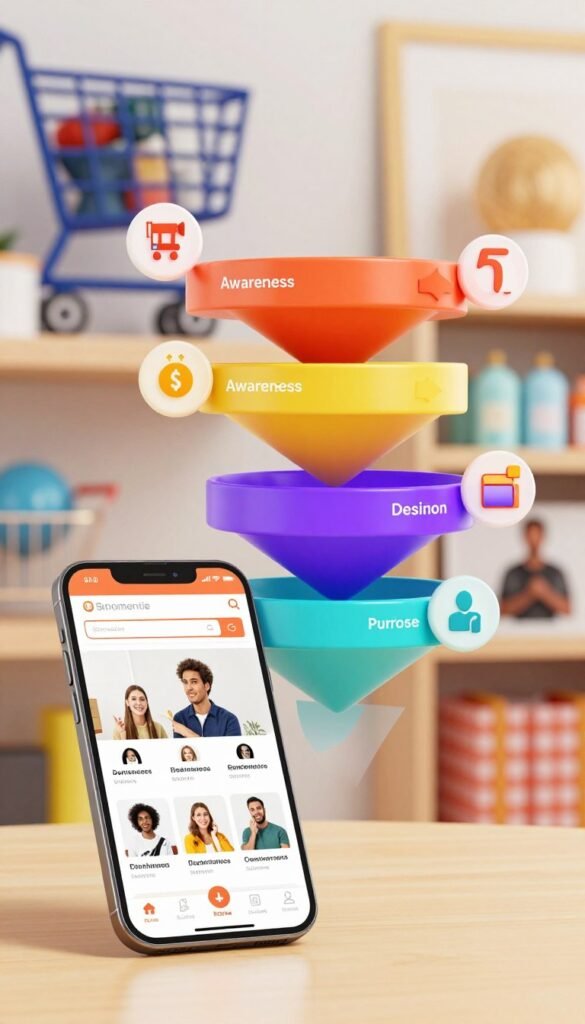
A sales funnel gives your store a way to guide visitors from an offer or sales page toward a purchase. A clear path can help shoppers understand what to do next.
GetResponse resources cover quick and full sales funnels, sales pages, and funnels for selling ebooks. Use the funnel type that matches what you are selling and the steps a buyer needs.
Use a sales funnel for a clear buying path
A quick sales funnel can support a focused offer. A full funnel can give visitors more steps before buying, while a sales page puts key product details in one place.
An ebook funnel gives you a path for selling a digital product. For a store, ecommerce tracking and revenue tracking can help you review activity tied to sales.
GetResponse also lists a stores and products center, product boxes, and payment gateway integration among its ecommerce tools. These features can help you manage product information and support a purchase flow.
Add promotions and signup opportunities
Promo codes can give subscribers a reason to act, while a popup can invite visitors to sign up or view an offer. The drag-and-drop popup creator does not require code.
Choose a popup trigger that fits the moment you want to reach a visitor:
- Page load.
- Delay.
- Exit intent.
- Selected web events.
Give each popup and promotion a clear purpose so it helps shoppers make a decision rather than interrupting their visit.
Which Other Marketing Channels Can You Manage?
GetResponse’s ecommerce marketing options include email, SMS, web push notifications, and Google and Meta ads. Each channel can support a different kind of customer message.
Email works well for a detailed offer with product information and useful links. SMS suits concise, timely updates, such as a brief notice about an offer or store event.
Web push notifications can invite a visitor back to your site. They can support a timely reminder without asking you to send another long email.
Google and Meta ads can help you reach people through those advertising platforms. You can use ads alongside email campaigns, with each channel carrying a message suited to its format.
For example, an email can explain an offer, while an SMS gives a short time-sensitive update. A web push can bring a visitor back to a product page they viewed.
Choose channels based on the message and the customer’s relationship with your store.
How Do You Get Started with GetResponse for Ecommerce?
Start by signing in to your GetResponse account, connecting your store, and choosing one customer journey to improve. A focused start makes it easier to see how the software fits your ecommerce business.
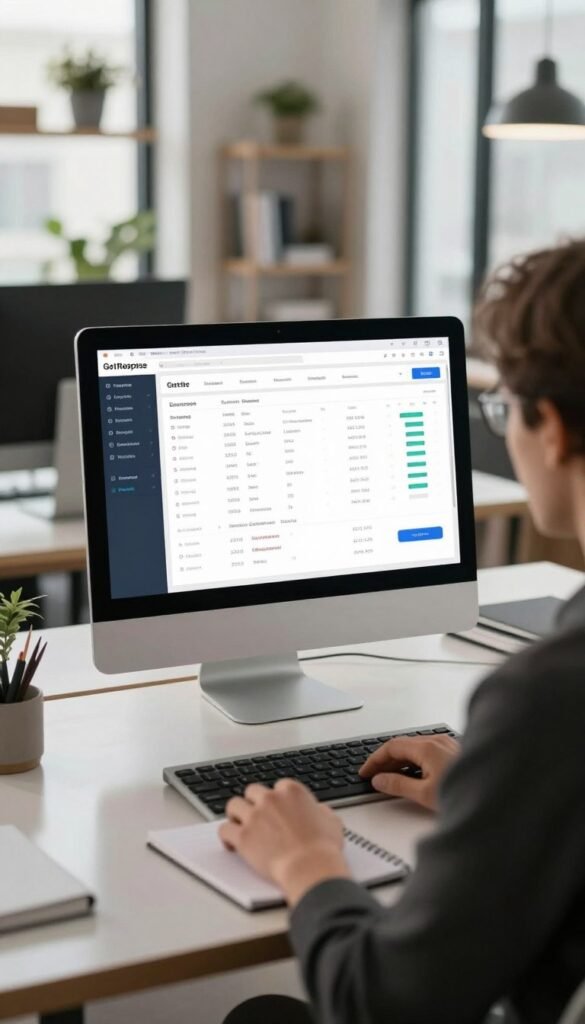
To find the ecommerce tools, sign in to your account and open the ecommerce area. For plugin tracking, install the plugin, connect the store, and enable tracking.
Connect your store and enable tracking
For Magento, PrestaShop, and WordPress plugin tracking, follow the same basic setup sequence. Install the plugin, connect the store to your GetResponse account, and enable tracking.
Plugin tracking collects information only for customers added as contacts in your GetResponse account. That rule affects which store activity the tracking can include.
If you are still building a store site, consider professional website design services that fit an online business. A clear site gives customers a place to browse and shop.
Sign in and launch a focused campaign
Use a simple four-step start:
- Sign in to your GetResponse account.
- Connect a supported store.
- Install and enable the relevant tracking plugin where applicable.
- Start one focused campaign and review its results.
You might begin with a welcome message, a product update, or a post-purchase note. Choose a campaign tied to a customer action you can track.
Begin with one measurable goal, then use the resulting campaign activity to refine your next step.
Conclusion
GetResponse can bring store data and customer-focused marketing into one working process. An effective starting point is one relevant customer journey supported by ecommerce data.
Choose a first campaign that matches a clear business goal, such as welcoming a new subscriber or encouraging a repeat order. Connect your store and choose one campaign to put that process into practice.