
A GetResponse sales funnel combines lead capture, automated email, and checkout steps to move prospects toward a purchase. The Conversion Funnel tool offers more than 30 predesigned scenarios for sales, list building, and presenting offers.
Your business can use these steps to guide people from interest to action without piecing together separate tools. The process depends on whether you want to sell now or first collect contacts and build a relationship. Start by defining the single offer or audience action you want your funnel to support.
Key Takeaways
- Match the funnel type to the action you want people to take.
- Use a full sales funnel to collect contacts and nurture them by email.
- Use a quick sales funnel to send visitors to a sales page.
- Set up your store, products, and payment method before building checkout.
- Use subscriber actions to shape relevant follow-up emails.
- Check plan features against the tools your sales process needs.
What Does a GetResponse Sales Funnel Do?
A sales funnel is a map of the steps a prospect may take from first learning about an offer to buying it. A GetResponse sales funnel template can help your business plan that process, from early interest to a sale.
The AIDA model gives you four useful stages: Awareness, Interest, Desire, and Action. Those stages are a guide, not a fixed route that every prospect follows. People may skip a stage, return to one, or choose a different path.
Use funnel stages to plan your messages, then adjust them to fit how your customers actually decide.
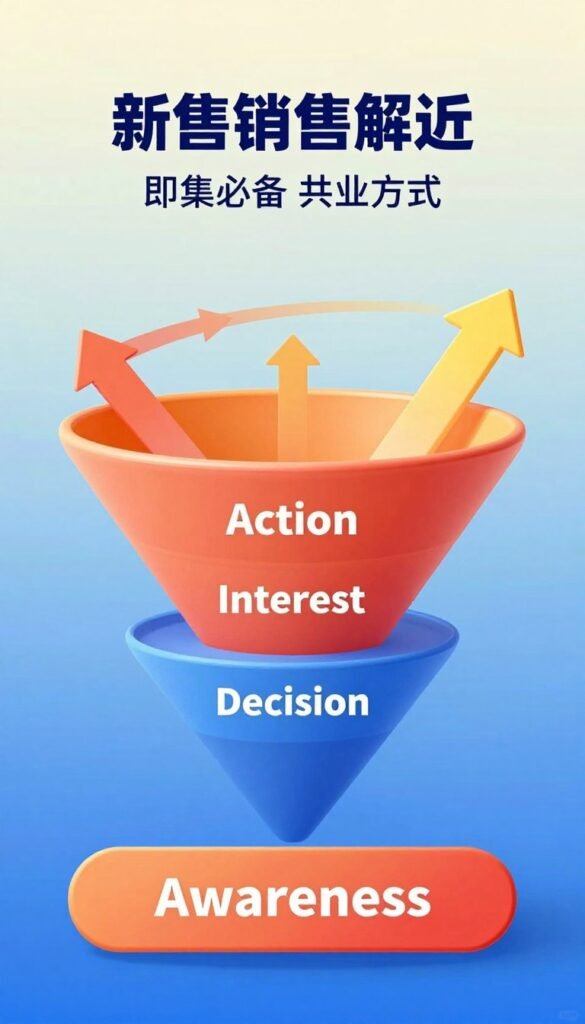
GetResponse offers six funnel types: quick sales, full sales, list building, lead magnet, free webinar, and paid webinar. The first two focus on a sale; the others can help gather contacts or engage an audience before you present an offer.
A free sales-funnel template from GetResponse has seven steps. Use it to map the customer journey and match each message to a decision stage. Its value comes from giving you a clear process to adapt, not from predicting every choice.
Treat the stages as a planning tool that you can adapt to your customers’ actual path.
Choose a Full or Quick Sales Funnel
Choose the full sales funnel when you need to collect and nurture new contacts, and the quick sales funnel when you want visitors to go directly to an offer. The main difference is whether your sales process starts with a subscription page.
A full funnel has four stages during initial setup, while a quick funnel has two. The table compares their goals and the pages and emails each includes.

| Attribute | Full sales funnel | Quick sales funnel |
|---|---|---|
| Primary purpose | Collect contacts and nurture them by email | Send visitors straight to a sales page |
| Initial setup stages | 4 | 2 |
| Lead-capture entry | Landing page for subscriptions | No subscription landing page |
| Pages and emails included | Sales page, order form, abandoned-order email, upsell page, confirmation page, confirmation email, landing page, autoresponder email | Sales page, order form, abandoned-order email, upsell page, confirmation page, confirmation email |
A quick sales funnel suits existing contacts or visitors who are ready to view your offer. It has no landing page for subscriptions, so it does not collect new contacts at the start.
An abandoned-order email also needs an existing contact. GetResponse cannot send that follow-up to someone whose email address it does not have.
For an audience that still needs to subscribe, the full funnel’s landing page is the relevant distinction.
Set Up Your Store, Products, and Payments
You can build the selling setup by choosing a store, adding at least one product, and connecting a supported payment method. Each store can use only one currency, so multiple currencies call for separate stores.

Choose or connect a store and add products
Follow these five steps to create sales in Conversion Funnel. You can create a store or connect an existing store during setup.
- Open Conversion Funnel, then choose Create funnel.
- Enter a funnel name with at least four characters.
- Select Sell a product, then choose full or quick.
- Create a store or connect an existing one, then add a product.
- Choose a payment method and save your setup.
GetResponse supports downloadable files, online courses, services, and physical products. For example, you can add an ebook, a course, a service, or a physical item.
To import products, you can connect Etsy, Stripe, Shopify, BigCommerce, Magento, WooCommerce, or PrestaShop. Import rules vary by platform, so check product details before you add products.
Configure payments and create the funnel
Supported payment methods include PayPal, Stripe, PayU, and Square. Stripe imports need a product name and apply to goods, not subscriptions or plans.
For Magento 1.9, products must be enabled. Magento 2.0 bundle and grouped products do not import. Shopify products need a name and must be published.
Match the store currency to the market you intend to serve before adding products.
Build the Sales Page and Checkout Flow
A focused page gives visitors one main action, such as purchasing a product or signing up. Keep each landing page tied to one goal and one primary call to action.
One page should ask for one main action, such as a signup, purchase, event registration, or download. If you need help shaping a site around your offer, consider website design and development services as part of your page planning.
GetResponse reports an average subscription conversion rate of 10.76% across analyzed customer data. Treat that figure as context, not a promise for your own page; results depend on your audience and offer.
After checkout, Conversion Funnel can send abandoned-order emails and automated order confirmations. You can also offer a one-click upsell page or show product recommendations.
For an ebook, the buyer reaches a confirmation page where the file is ready to download. GetResponse also sends an email with a link to that page, giving the buyer another way to reach the file.
Make the confirmation step match what the buyer needs immediately after checkout, such as access to a purchased file.
Use a Lead Magnet Funnel to Capture Contacts
A lead-magnet funnel exchanges a useful download for an email opt-in, then delivers the link in an email. The email delivery path can include a signup page, a download page, and automated welcome emails.
The download page appears when a contact clicks the link in the signup email, and that click is tracked. This gives you a way to see whether subscribers follow through to the download.

Build the opt-in and email delivery path
Your lead-magnet funnel can use these three parts:
- A signup page that collects a contact’s email address.
- A download page that opens from the link in the signup email.
- Automated welcome emails that introduce your business and offer.
Upload the lead magnet as a file up to 50 MB. GetResponse recommends a zip file, which can package several items together for download.

Measure lead-magnet performance
Use the success rate to judge how well your signup page turns visitors into contacts. Divide new contacts by signup-page visitors, then express the result as a percentage.
A lead-magnet funnel can include up to 64 autoresponders. That gives you room to send a longer email series, though each message should have a clear reason to reach the subscriber.
Compare new contacts with signup-page visitors to calculate the funnel’s success rate as a percentage.
Automate Follow-Ups and Bring in Traffic
A workflow can respond to a subscriber’s form submissions, email activity, purchases, cart abandonment, or visits to specified URLs. These subscriber actions let you send follow-ups that fit what each person does.
Lead scoring, tags, and branching can sort subscribers into different paths based on their actions. For example, you can tag a contact after an email click and send a different message after a purchase.

Branch emails around subscriber actions
Use these five workflow conditions to shape the next message:
- Form submission
- Email open
- Email click
- Purchase or cart abandonment
- Visit to a specified URL

Connect traffic to the right entry page
Facebook and Instagram ads can bring people to your funnel, as can Google Search ads. Match the ad’s message to the page where visitors arrive so the next step feels clear.
A Facebook ad created for a funnel links to its first page. You cannot switch that ad to another funnel page, so choose the entry page with care.
Set the funnel’s first page to the right entry point before creating its Facebook ad.
Which GetResponse Plan Fits Your Funnel?
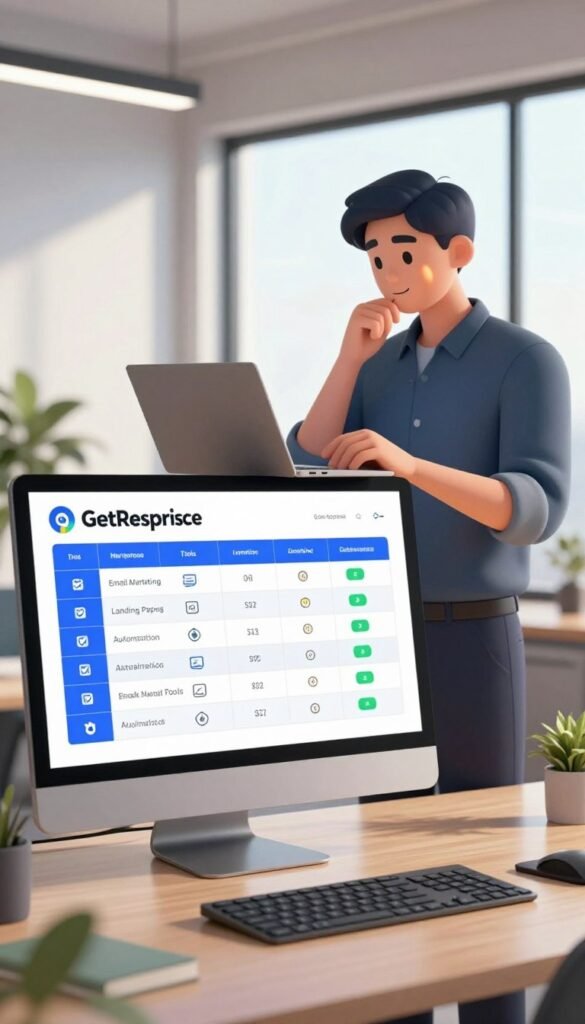
Compare the plan’s listed tools with the work your funnel needs, such as automation, abandoned-cart recovery, or course delivery. Conversion Funnels are available in free accounts for the first 30 days and in paid plans.
The listed plans range from $19 to $69 per month, with lower monthly equivalents when you pay annually.
| Plan | Monthly price | Monthly equivalent with annual billing | Listed features |
|---|---|---|---|
| Starter | $19 per month | $15.58 per month | One custom automation workflow; landing-page builder |
| Marketer | $59 per month | $48.38 per month | Sales funnels; unlimited automation workflows; advanced audience segmentation; abandoned-cart recovery |
| Creator | $69 per month | $56.58 per month | Sales funnels; webinars; course creator; up to 500 students |
Choose a plan based on the tasks your customer journey needs, not on features you will not use.
Starter lists one custom automation workflow and a landing-page builder. Marketer lists unlimited workflows, advanced audience segmentation, and abandoned-cart recovery for a more involved sales process.
Creator adds webinars and a course creator for up to 500 students. Those tools may fit a business that teaches online or sells training alongside other products.
Choose the plan around the capabilities your planned customer journey actually uses.
Conclusion
A useful first funnel is one designed around a clear offer and a specific next action for your audience. Give people a direct path to take that action, then shape follow-up around how they respond.
Email paths can change as contacts open messages, click links, or buy. That lets your business spend time on messages that fit each person’s behavior instead of sending every contact the same sequence.
Start with a simple sketch before you open the tool. Write down your offer, the page that introduces it, and the follow-up you want a new contact to receive, then create that funnel in GetResponse.