
The Free plan allows up to 500 subscribers, giving a small business room to test email marketing before choosing a paid plan. A small business choosing between a simple newsletter sender and a broader marketing toolkit has a practical trade-off to make.
This review weighs email campaigns, automation, landing pages, ecommerce tools, ease of use, and cost against the needs of different businesses. Extra features matter only when they solve work you already need to do.
You will get a grounded evaluation of the trade-offs, then see what GetResponse brings together. That context can help you decide whether a wider toolkit fits your team.
Key Takeaways
- GetResponse combines email campaigns with pages, automation, and other marketing tools.
- The Free plan has limits on contacts, monthly newsletters, and landing pages.
- Some advanced features require higher plans, including MAX for AI product recommendations.
- Templates, reporting, and form customization have limits to consider.
- Test the editor and plan access with your own campaign before moving a full list.
GetResponse Email Marketing Platform: What Does It Offer?
A company that wants to collect leads, email them, and guide them toward a purchase can manage those activities in one platform. GetResponse is an all-in-one marketing platform for campaigns, lead capture, and customer journeys.
Its exact feature set depends on your plan. You can create email marketing campaigns, collect leads, and promote products or content with email marketing software built around several connected tools.
GetResponse brings email, lead capture, and promotion into one platform, but your plan controls which tools you can use.
Beyond email, the platform offers landing pages, forms, and pop-ups for collecting sign-ups. Sales funnels can connect those pages with emails and other campaign steps.
You can also find webinars, website and course tools, and ecommerce capabilities. These features may suit a business that sells products, teaches online, or promotes events.
A GetResponse email marketing platform review should weigh that breadth against your actual needs. Extra tools can add value, but they can also make a simple job feel more involved.

Think about the work you need to do each week, not just the number of features on a plan page. The first task for many teams is creating and sending a clear email.
How Do GetResponse Email Templates and the Email Builder Work?
A welcome email can be assembled from a template, then tailored with text, images, and a call-to-action button. The email builder uses a drag-and-drop editor, so you can place common content blocks without coding.
You can build a standard campaign without writing HTML. The editor supports text, images, buttons, video links, social links, spacers, and custom HTML blocks.
Build campaigns with the drag-and-drop editor
You can add and move blocks as you shape a message. Connected stores can also supply product blocks, which help you place items in a promotional email.
HTML remains an option if you need more control, but it is not required for a typical newsletter. A mobile preview helps you check the layout on a small screen.
The editor also offers a dark-mode preview. That can reveal contrast problems before a message reaches people who read email with a dark background.
Choose a template or reuse saved content blocks
The library includes more than 120 email templates across seven categories. You can save designs and content blocks, then reuse them in later campaigns.
The choice is useful, though some designs look dated. Fonts and colors may need changes template by template rather than through one global style setting.
| Email task | Available approach | Reuse option | Notable constraint |
|---|---|---|---|
| Newsletter | Editor or template | Saved blocks | Some templates look dated |
| Promotional email | Editor or template | Saved blocks | Styles may need adjustment |
| Custom design | Editor or HTML | Saved blocks | HTML may need technical skill |
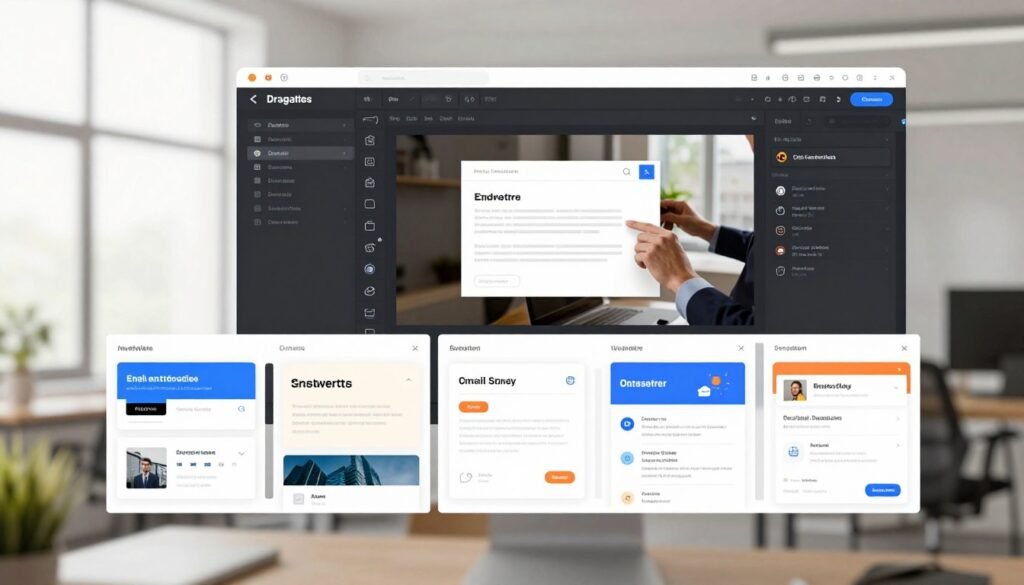
Check the preview on both mobile and desktop before sending. Once a message is designed, the next question is how to send relevant versions to different contacts.
How Can You Organize and Personalize Your Contact List?
A retailer with first-time buyers and repeat customers can send each group a more relevant follow-up by separating contacts with tags or segments. Contact fields and behavior help you build a useful list for targeted email marketing.
Tags and segments can reflect contact details, activity, and purchases. You can group people by engagement, lead scores, location, or webinar and course activity.
Dynamic content can show different parts of one email based on tags or field values. A returning customer could see one offer, while a new subscriber sees another.
Keep your records clean before sending. Imported duplicate contacts can be charged, and unsubscribed or bounced contacts still count toward the subscriber limit.

Run these checks before you rely on a segment for a campaign:
- Confirm that contact fields are accurate.
- Separate engaged contacts from inactive ones.
- Review purchase or event behavior.
- Check for duplicates before importing.
Good targeting depends on the quality of the information behind each segment. With a better-organized list in place, explain how GetResponse can trigger the next message automatically.
How Flexible Is GetResponse Marketing Automation?
A new subscriber can receive a welcome message immediately, then get a different follow-up depending on whether they click. GetResponse marketing automation uses an automation workflow to respond to contact activity.
An automation workflow is a sequence that sends messages or updates contact records automatically when specified triggers and conditions occur. A visual editor lets you connect triggers, conditions, and actions.
Build workflows with triggers, conditions, and actions
A signup can trigger a welcome series. A condition can check whether someone clicked, then send a different email or add a tag.
Actions can send emails, tag contacts, update fields, segment contacts, or assign lead scores. Lead scoring can help you spot people who show stronger interest.
Simple steps are easier to map than a long journey with many branches. Multiple automation workflows require a higher-tier plan, so check access before designing a complex setup.
Use automation for lead nurturing and ecommerce follow-up
You can use marketing automation to qualify leads, send post-purchase messages, and recover abandoned carts. Web event tracking can connect site activity with a follow-up.
Webinar or course activity can also guide later messages. A free or entry-level plan may not support the number of workflows your intended setup needs.
Here are three common trigger-to-action pairs:
- Signup triggers a welcome email.
- Cart abandonment triggers a reminder.
- Purchase triggers a follow-up.

Map the steps you need before choosing a plan. Automation can bring visitors to a message, but the next section covers the pages and funnels that capture those visitors in the first place.
Can You Build Landing Pages and Sales Funnels in GetResponse?
If you are collecting sign-ups for a guide, a dedicated page can put the offer and form together without sending visitors elsewhere. GetResponse includes a landing page editor for building pages and connecting them with campaigns.
You can create a page, collect details, and test different versions. The drag-and-drop editor includes forms, video, buttons, AI-generated designs, and mobile-responsive templates.
Create landing pages with forms and mobile-responsive layouts
A GetResponse landing page can present a lead magnet or offer with its sign-up form. You can add a live-chat widget when visitors may need help before they submit details.
A/B testing lets you compare page versions. It can help you see which design works better with your visitors, though results depend on your traffic and offer.
Connect pages into a conversion funnel
Conversion Funnel organizes steps for lead generation, product sales, or webinar promotion. Hosted pages do not need separate page hosting.
You can link a page with other steps in a campaign, instead of sending visitors through separate tools. The funnel builder keeps those activities in one place.
| Use case | Starting point | Page or funnel role | Testing option |
|---|---|---|---|
| Lead capture | Form or lead magnet | Landing page | Page A/B testing |
| Product promotion | Offer or product | Funnel steps | Page A/B testing |
| Webinar registration | Registration form | Landing page or funnel | Page A/B testing |

Review mobile layouts closely, since a form that works on a desktop may feel cramped on a phone. Pages and funnels can support online sales too, so assess the store-specific functions next.
What Ecommerce Tools Can You Use to Sell More?
A shopper who leaves an item in a cart can receive a reminder instead of being lost after the first visit. GetResponse connects with Shopify, Magento, and WooCommerce to bring product and order details into campaigns.
Key ecommerce features are not all available on the entry tier. Tracking, recommendations, and abandoned-cart automation require the Marketer plan or higher.
Purchase history can help you create segments for first-time buyers, repeat customers, or people who bought a certain product. You can use those groups to send more relevant emails.
Promotional emails can include promo codes and product recommendation blocks. Store connections also support sales tracking, so you can review activity tied to campaigns.

AI-powered product recommendations are restricted to the MAX plan. These ecommerce features may help you build useful follow-ups, but they do not promise a particular lift in sales or conversions.
Confirm that your store platform and plan support the tasks you want to run. Store owners have a clear use case, while educators and creators may value a different set of built-in tools.
Are Webinars and Creator Tools Worth Considering?
An instructor selling a course may prefer email, registration pages, and course promotion in one working setup. GetResponse can pair audience emails with course and webinar tools for content-led businesses.
Webinar hosting is available on higher-tier plans. The Creator plan starts at $69 per month and includes tools for courses, member-only content, and paid newsletters.
Educators and solopreneurs can use email to reach learners, promote a webinar, and share course updates. Member-only content can support a paid learning community.
A creator may also use the platform to manage a paid newsletter. Yet a paid newsletter alone may not justify a broader, higher-cost package if its other tools would sit unused.

Consider how often you will use the included course and member features. A tool that covers several work tasks can suit a growing creator, while a newsletter-only business may prefer a simpler setup.
Because the product now spans several kinds of work, examine how its AI features fit into that setup.
What AI Features Does GetResponse Include?
A blank campaign can be easier to start when an assistant proposes a subject line or first draft. GetResponse offers AI writing and design help, though the output still needs a human review.
Treat generated copy and designs as drafts, not finished work. You should check brand voice, facts, and accessibility before sending or publishing.
Draft email copy and generate designs
The AI writing assistant can suggest email copy and subject lines. You can edit its draft to fit your offer, voice, and audience.
The AI email designer can help start a campaign layout. AI-supported website or course-content drafts can also give you a first version to refine.
Generated work may use claims or wording that do not fit your business. Check links, product details, names, and contrast before you use it.
Apply AI to recommendations and other tasks
AI can support send-time optimization and other suggested tasks. These tools may help with setup, but they cannot know every detail of your audience.
AI product recommendations use visitor behavior and preferences to suggest products. They are available only on MAX, and their suggestions are not guaranteed to be accurate or increase sales.

Use AI for a starting point, then make the message sound like your business. AI may speed up setup, but you still need to learn how the whole interface works.
Is GetResponse Easy to Set Up and Use?
A small team can begin by creating an account and importing its existing contact list before designing a first campaign. GetResponse sign up asks for basic account details, then guides you through early setup.
Importing contacts requires a CSV file and field mapping. You should also set sender details and authenticate your domain before sending to a full list.
Create an account and import contacts
After signing up, confirm your email and provide company details during setup. A CSV import lets you bring in contact data and match each column to a field.
Set up your sender domain so messages come from an address linked to your business. Domain authentication may involve adding DNS records, which are settings managed through your domain provider.
For regular GetResponse login access, use your account email and password. Keep account access limited to people who need it.
Follow these steps to get started:
- Create an account.
- Confirm your email.
- Add sender details.
- Import and map contacts.
Find key tasks in the dashboard
The onboarding dashboard offers tutorials, customizable widgets, and a virtual assistant. Most features are organized clearly enough for routine work.
Segmentation can take extra learning, especially if your fields and tags are not set up well. Some editor interactions may also feel inconsistent as you move between tasks.

Try a small import first, then check that each field landed in the right place. Easy setup does not guarantee inbox placement, so look at the checks and safeguards separately.
What Should You Know About Deliverability and Compliance?
An attractive campaign still needs a properly authenticated sender and a clean, permission-based list. GetResponse offers sending safeguards, but you remain responsible for consent and contact quality.
A spam check cannot guarantee inbox placement. List consent, accurate contact data, and sound sending habits still matter.
Automatic authentication can add DKIM and SPF records and set a DMARC policy to p=none. Those records help mailbox providers check who sent your email.
Clean your list and suppress people who should not receive messages. Inbox previews show how a campaign may render across devices and in dark mode.
A pre-send spam check can flag some risks, but it may miss issues. Your own domain for tracking links is available only on MAX.
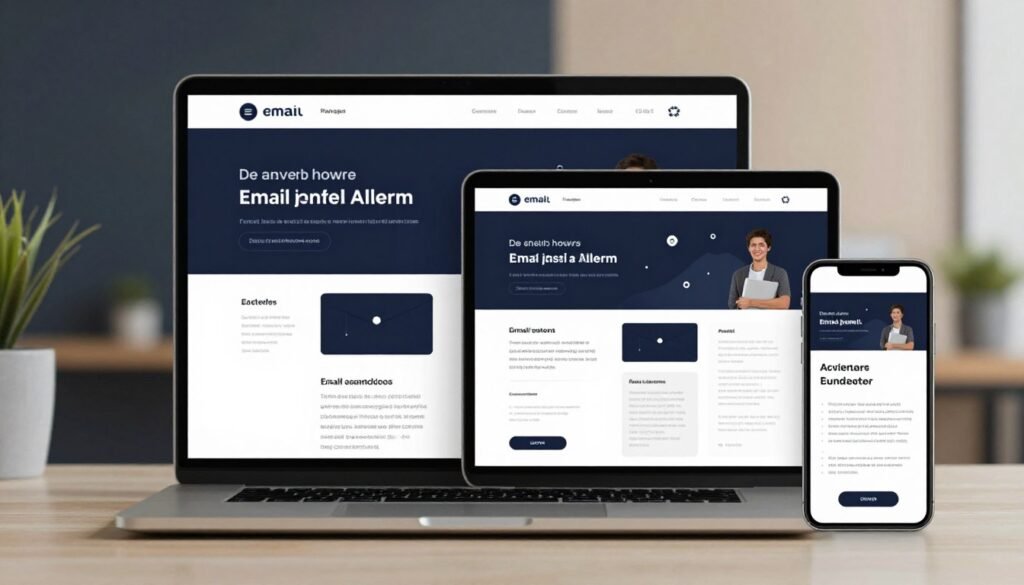
Use this short check before sending:
- Authenticate the sender domain.
- Confirm that contacts gave consent.
- Preview the design on common screens.
- Check the message for spam risks.
These checks lower avoidable risks, but no preview or scan controls every inbox decision. Once you understand the protections and their limits, compare the cost with the features your business will actually use.
How Much Does GetResponse Cost, and What Does the Free Plan Include?
A business with 500 subscribers can begin on the Free plan, but its monthly sends and page count are capped. The Free plan allows 2,500 newsletters per month and one landing page.
Removed, unsubscribed, and bounced contacts still count toward the 500-subscriber limit. The Free plan also has no integrations.
Start with the free and entry-level options
A 30-day premium-feature trial is different from ongoing Free access. After the trial, access becomes limited to Free plan features.
That distinction matters if you test advanced tools during setup. Your account may lose those features when the trial ends unless you choose a paid plan.
Match paid plans to the features you need
GetResponse pricing scales with contact count and feature access. The listed Starter prices below include unlimited emails and no stated landing-page cap.
These are listed prices, and current billing terms can affect your total. Check the live offer before buying, especially as your contact list grows.
| Contact limit | Listed Starter monthly price | Monthly email limit | Landing-page limit |
|---|---|---|---|
| 1,000 contacts | $19 | Unlimited | No stated cap |
| 2,500 contacts | $29 | Unlimited | No stated cap |
| 5,000 contacts | $54 | Unlimited | No stated cap |
| 10,000 contacts | $79 | Unlimited | No stated cap |
GetResponse email marketing platform pricing changes with list size, so compare the right contact limit. The GetResponse email marketing platform free option has lower limits but can suit a small test.
Creator starts at $69 per month. MAX pricing is available through the sales team, so you need to contact them for a quote.
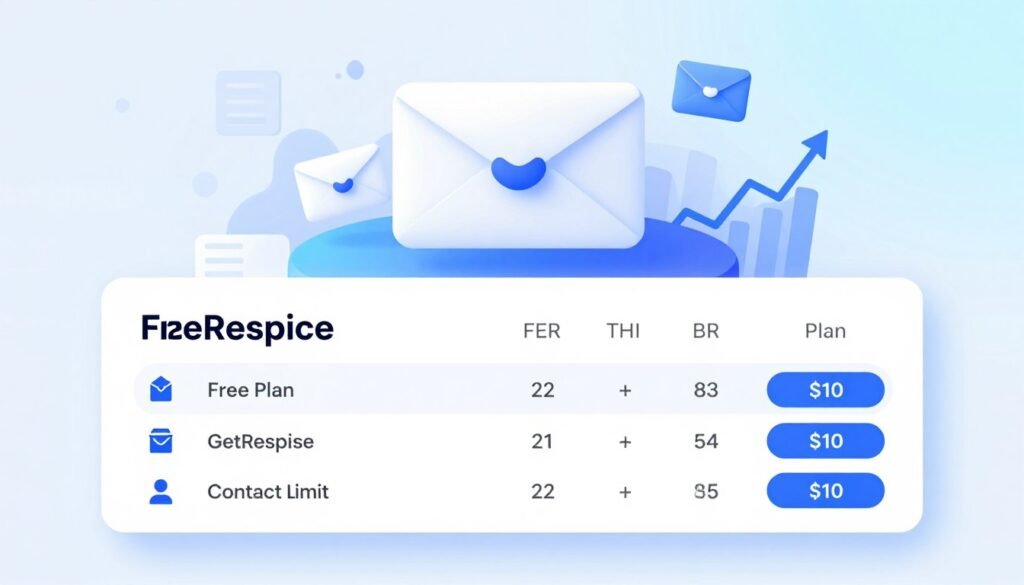
Check the features included at your list size before moving contacts to a paid tier. The right price depends on the features and audience size you need, which sets up a closer look at reporting and connected tools.
How Useful Are the Reports and Integrations?
A campaign report is most useful when it shows not just who opened, but what visitors did after clicking. GetResponse reports cover contacts, newsletters, automations, funnels, and webinars.
You can review opens, clicks, and click maps, but reporting has blind spots. There is no device or mailbox-provider breakdown.
Google Analytics integration and ecommerce tracking can help connect campaign activity with site visits and sales. You can also review clicks and opens for an individual newsletter.
Reports do not filter bot clicks or Apple Mail Privacy opens. Those limits can make open and click counts less clear, so avoid treating every recorded action as a person’s choice.
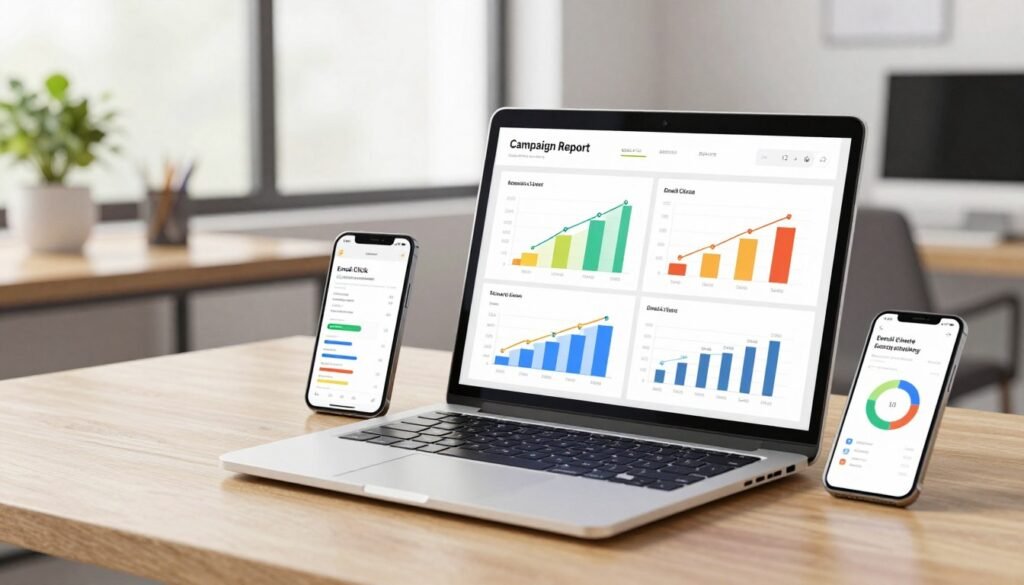
GetResponse offers integrations with Shopify, Magento, WooCommerce, Salesforce, Facebook, and WordPress. Integrations are not included on the Free plan.
Check that the connection you need supports your account and workflow. Metrics and connections help you run campaigns, while reliable help matters when setup or troubleshooting stalls.
What Support and Account Controls Are Available?
A marketer who needs help fixing a campaign can turn to live chat, email, or the searchable help center. GetResponse provides several support paths, with channel access and languages that vary.
Live chat is available in English and Polish. Email support and help materials are available in multiple languages.
The help center can answer common setup questions, while live chat can help when you need a faster response. Email support gives you another way to explain a problem or share details.
Accounts include Administrator, Marketer, and Designer roles. You can also set custom permissions, which helps limit access to the parts of an account each person needs.
Plan-dependent account limits allow three to five users. A Team add-on costs $20 per month for five users, then $5 per additional user.

Migration assistance is available across plan levels for up to 10 items. Those items can include templates, automations, forms, and contacts.
Consider which team members need access before you set roles. These support and access options are useful, but they do not remove the product’s limitations or make it right for every team.
What Are GetResponse’s Main Limitations Compared With Alternatives?
If you only send a monthly newsletter, paying for tools you will not use can outweigh the convenience of an all-in-one setup. GetResponse suits broader work, but some limits can slow routine tasks.
Its contact tools are not a full sales CRM. GetResponse supports contact management and lead scoring, but it does not provide full deal pipelines and deal tracking.
Where the platform can feel restrictive
Some email templates look dated, and form customization has limits. You may not find easy controls for custom fields or CSS editing.
Embed options can also feel constrained, while lower tiers limit the number of workflows you can build. Reporting leaves out device and mailbox-provider views and does not filter bot clicks or Apple Mail Privacy opens.
When a simpler alternative may be enough
Mailchimp or Brevo may be worth comparing if you need simpler newsletter sending or want to weigh the cost of selected functions. Each tool has its own trade-offs, so compare the tasks you actually need.
| Platform | Best fit | Useful strength | Trade-off |
|---|---|---|---|
| GetResponse | Broader campaign needs | Automation-oriented toolkit | Plan access and interface limits |
| Mailchimp | Simpler starting point | Newsletter-focused workflow | Compare its fit for your needs |
| Brevo | Newsletter needs to compare | Option to assess automation costs | Compare plan details for your use |

A simple email marketing tool may be enough if your campaigns rarely change. Use these limitations to decide which kind of business gains enough value from the broader toolkit.
Who Should Choose GetResponse?
A store that needs landing pages, abandoned-cart follow-up, and segmented campaigns has a stronger reason to pay for a broad toolkit than a newsletter-only publisher. GetResponse can fit teams that want connected campaign work.
The strongest fit is a business that will use several tools together. That could mean email, landing pages, and automation supporting one sales or lead goal.
A strong fit for lead-focused businesses and online stores
Small and midsize businesses may value connected campaigns and lead capture. Lead-generation teams can use contact activity to guide follow-ups.
Online stores, webinar hosts, educators, and solopreneurs may also benefit. Each can link audience messages with a page, an offer, or a course activity.
Use this checklist to test your fit:
- You need multiple connected campaign steps.
- You will use automation.
- Landing pages or sales funnels matter.
- You can budget for the required plan as contacts grow.
Consider another tool for simpler needs
A simple newsletter sender may not need a broad marketing platform. Creators who only want paid subscriptions may not use enough of the Creator plan’s tools.
Teams that need a full CRM pipeline should compare a dedicated CRM. Users who need extensive form customization may also prefer a tool with more form controls.

Think about the work you will repeat each month, not just what you might try once. Choose GetResponse when connected tools solve real tasks, then test a small campaign before moving your full list.
Conclusion
GetResponse makes the most sense when its extra marketing tools solve work you already need to do. You may value its automation and connected tools if your campaigns involve more than occasional email.
A simpler email tool may suit you better if you send only occasional newsletters. Before committing, compare the current plan limits with your contact count.
Test the editor with a real campaign before moving your full list. Start with the Free plan or trial, confirm the features and current price you need, and test a small campaign before committing.