
More than 350,000 entrepreneurs, ecommerce stores, and global brands trust GetResponse. That reach offers a useful starting point as you consider tools for your own marketing. The right setup can help you share an offer and make the next step clear.
With the GetResponse landing page builder, you can create a focused space for your business with design tools or an AI-powered creator. Launch in a few clicks, then use the result to support your website and give visitors a clear path to act. In many cases, you can move from idea to published page in minutes.
GetResponse also provides performance analysis to show how people respond. Use those insights to guide data-based improvements, rather than relying on guesswork. This article explores how the tools can help you present an offer, engage your audience, and convert customers.
Key Takeaways
- Choose design tools or an AI-powered creator.
- Launch a focused marketing experience in a few clicks.
- Guide visitors toward a clear next step.
- Use performance insights to improve your approach.
- Explore tools trusted by businesses around the world.
What You Can Do with the Getresponse landing page builder
Give one offer the spotlight, whether you’re planning a product launch, a flash sale, or a lead-generation effort. A focused landing page can help visitors understand what you offer and what to do next. That clarity can support your business without pulling attention toward unrelated content.
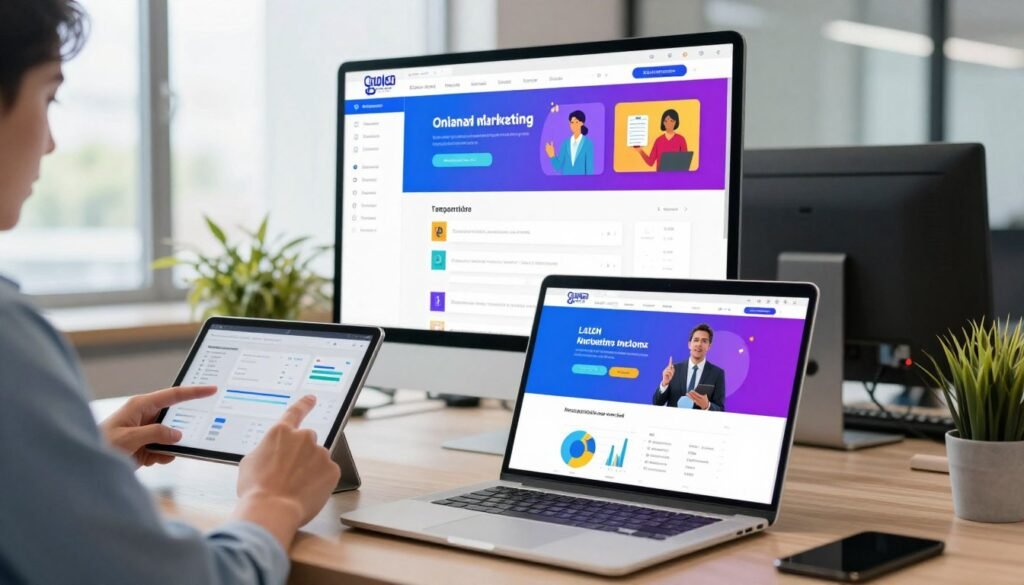
Promote offers, launches, and lead-generation campaigns
Use customizable forms and popups to invite visitors to become subscribers. You can set them to appear at a chosen time or after a defined event. This gives you a way to collect interest while keeping the offer in view.
“A clear offer gives every follow-up a purpose.”
Connect promotion with your broader marketing
GetResponse brings email marketing and marketing automation together with tools for web-push notifications. These features can help you coordinate messages around a campaign, then follow up with customers through email or another channel. You can also connect promotion on your website with those next steps.
When your message and follow-up work together, it’s easier to guide each lead toward action.
Choose a Template for Your Landing Page
GetResponse’s website builder offers hundreds of designer templates. They give you a polished starting point for a website or campaign. Pick a look that suits your offer, then shape it around your goal.

Explore designs for ecommerce, events, and other business goals
Browse templates by category to narrow your choices. Options include:
- Ecommerce, Event, Business, Affiliate, and Brochure
- Crowdfunding, Educational, Entertainment, Landing page, and Launch page
- Membership, Nonprofit, Other, Personal, and Portfolio
This range helps you match a design to your business, whether you’re promoting a product, sharing event details, or showcasing creative work.
Find a design that fits your campaign
For your landing page, consider how a template’s layout, images, and content areas support your message. A product campaign may need room for key details and a clear call to action. An event design may need space for dates and sign-up information. Preview the options with the available tools, then choose one that fits your campaign—not a one-size-fits-all plan. You can refine the design later.
Create a Page Faster with the AI-Powered Creator
Starting with a blank screen can slow down a launch. GetResponse’s AI-powered creator can draft copy and suggest a layout for your landing page, turning an early idea into a clear campaign structure. You can then shape the message around your offer and audience.

Generate copy and layouts to get started
Use the creator with ready-made templates and design tools, so you don’t need to build every element from scratch. Review each suggestion for accuracy, tone, and fit. A useful template supports your message; it should not replace your judgment.
“AI can help you move faster, but your campaign still needs your perspective.”
Go from your idea to a published page in minutes
GetResponse says its AI can help you go live in minutes. That speed can help when planning campaigns, but take time to check details before publishing. Confirm your offer, audience, links, and call to action. Then consider how marketing automation can guide visitors through the next step on your website.
The builder supports a faster start, while its features and the wider design builder give you room to refine the landing experience. Use this quick review:
- Check copy against your offer.
- Review the layout on mobile.
- Confirm the next action is clear.
| What you start with | What the creator can help with | What you should review |
|---|---|---|
| A campaign idea | Draft copy and layout suggestions | Offer details and audience fit |
| A selected template | A structured starting point | Mobile display and call to action |
Customize Your Design Without Coding
Shape a campaign around your offer with simple editing tools. You can adjust text, images, and layout without writing code. This leaves more time for choices that support your business goals.
GetResponse says its website builder lets you create a website without coding skills. Change page elements and images to match the offer visitors see. A consistent look can make the next step feel clear.
Refine content and visuals with easy-to-use tools
Update headlines, swap images, and refine your layout as your campaign takes shape. Add useful alt text to images so you can describe what they show. These details also support your search setup.

GetResponse’s SEO tools also support custom CSS, JS, or HTML. These options can help with tracking or a tailored design. Review each change before publishing to keep your landing page aligned with your message.
Start with the essentials, then add custom touches when they serve your visitors.
| Design area | What you can refine | Why it helps |
|---|---|---|
| Text and layout | Headlines, content, and page elements | Keeps the offer easy to follow |
| Images | Visual choices and alt text | Supports clarity and search context |
| Custom code | CSS, JS, or HTML | Can support tracking or custom design |
Capture More Leads with Forms and Popups
A timely invitation can turn interest into a useful next step. GetResponse forms let you invite website visitors to subscribe while they view a relevant landing page. You can match each form to the offer and your lead-generation goal, so the request feels natural.

Collect subscribers with customizable forms
Adjust the form’s message to fit your campaign. Keep the request clear, explain what subscribers can expect, and make sign-up simple. A focused form can help you grow an email list without distracting from the offer.
- Use copy that fits the landing experience.
- Keep the sign-up action easy to spot.
Trigger popups based on a set time or event
Choose when popups appear. You can set them to show after a selected time or when a chosen event occurs. This gives you control over when visitors see an invitation, rather than showing it at random.
Plan popups around the campaign and the action you want people to take. For example, a timely prompt can support a lead goal while someone explores this page. Connecting forms and popups in GetResponse keeps subscriber collection within the same experience.
Keep Visitors Engaged with Live Chat
Some questions are easier to answer in a quick conversation than in another block of copy. Add GetResponse live chat to your website to give visitors a direct way to reach your business as they browse.

With one-on-one chat, you can respond to people who arrive through a landing offer or explore other parts of your site. Keep the conversation tied to the main offer, so help feels useful rather than disruptive.
Think about common campaign questions before you publish. Clear details on timing, price, or sign-up steps can guide your replies and help each page support the same goal. Live chat works best when it adds help without pulling attention from the offer.
Consider whether real-time support fits your audience and your team’s ability to respond. If you can answer promptly, chat may make the experience more personal. If not, set clear expectations so people know when to hear back.
| Visitor need | How chat can help | What to prepare |
|---|---|---|
| Campaign details | Answer questions about the offer | Keep replies aligned with current terms |
| Sign-up help | Clarify the next step | Explain the sign-up process |
| Real-time support | Enable one-on-one contact | Set clear response expectations |
Improve Organic Visibility with Landing Page SEO Tools
Search settings shape how people find and understand your campaign. Before you publish, review the details that search engines and visitors may see. A few careful checks can make your message clearer and your website more consistent.

Edit meta tags, URLs, and image alt text
GetResponse SEO tools let you adjust meta tags, URLs, and image alt text. Write concise titles and descriptions that match your offer. Choose a clear URL, then describe what your images show. These features help search engines interpret your content and give visitors useful context.
Add tracking code and use SSL
SSL adds a layer of security for people who visit your website. You can also add custom CSS, JS, or HTML to support tracking. Check that each code snippet serves a clear marketing purpose before you publish.
Use this quick review before launch:
- Check titles, descriptions, and URLs.
- Add helpful alt text to images.
- Confirm SSL and tracking code settings.
These small steps help prepare your campaign for search and measurement.
Measure Performance and Make Data-Based Improvements
Once your campaign goes live, review how visitors respond to your landing page. GetResponse provides performance analysis so you can see which parts draw attention and where people stop. This gives you a view of real behavior, not just a launch-day impression.

Look for patterns in the data. Notice which messages earn clicks, which sections hold interest, and where people leave. These signals can show what resonates with your audience and what may need a clearer message.
“Let real responses guide your next improvement.”
Make small changes that support your marketing goal. You might refine a headline, clarify an offer, or adjust how automation follows up. Then review the results again to see whether the change helps.
- Compare results with your campaign goal.
- Make one focused change at a time.
- Check that your website still fits audience needs.
Keep improving over time. Thoughtful updates can help you convert customers without relying only on assumptions.
Build Pages for Ecommerce, Events, and Campaigns
Your goal shapes the best design. GetResponse offers Ecommerce and Event templates, so you can choose a starting point that fits your business. A focused landing page can support a product offer, an event, or a lead goal.
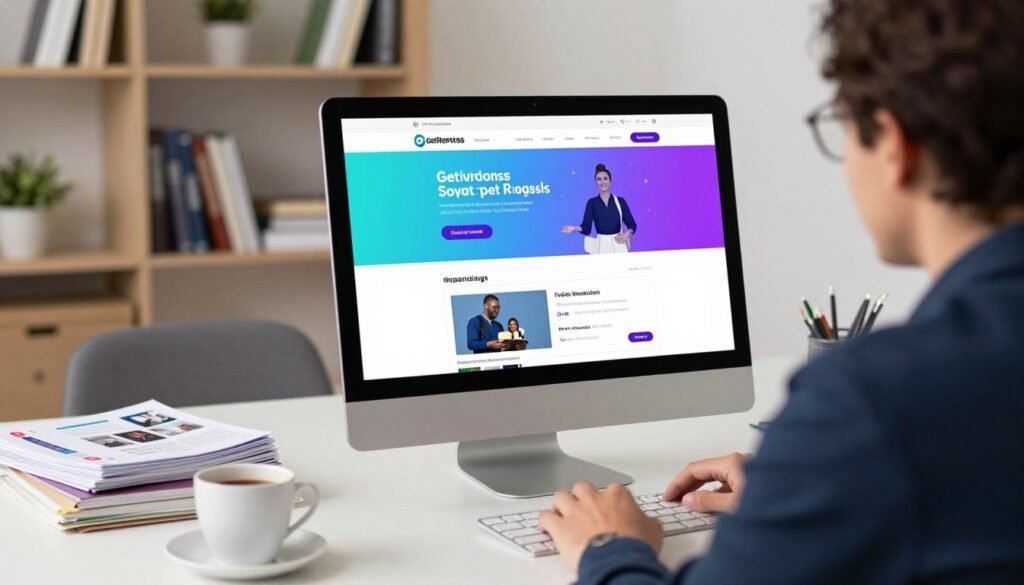
Promote products, flash sales, and special offers
For ecommerce, highlight one product or a limited-time deal. Choose a template that gives key details room to stand out. Relevant images and clear campaign terms help customers understand the offer on your website.
Support event promotion and lead capture
An event design can put dates, location, and sign-up details in view. Use it to share what guests can expect and invite interested visitors to register. You can also connect popups to a campaign when you want to collect a lead.
“Match the design to the action you want visitors to take.”
These options suit different marketing needs, from product launches to event outreach. Keep the message simple, then make sure your website and follow-up support the same goal.
- Use a product offer for a sales-focused campaign.
- Choose event details for registration and interest.
Connect Your Pages to Email Marketing and Automation
A sign-up is the start of a relationship, not the finish. Link your landing page to follow-up that matches each person’s needs and keeps your offer in view.
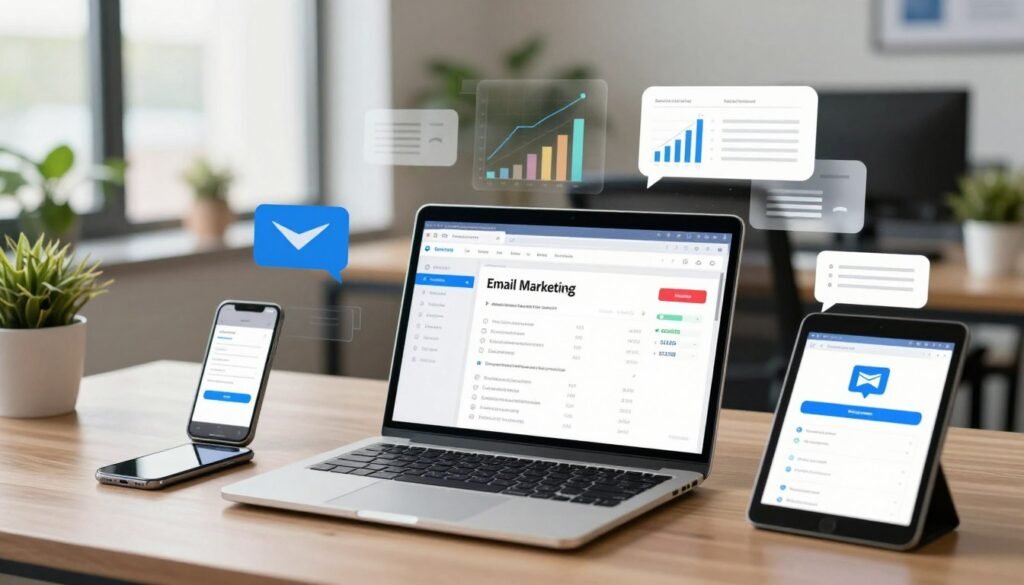
Nurture subscribers with email campaigns and automated journeys
GetResponse email marketing supports promotional, triggered, and lifecycle emails. AI-assisted content and send-time suggestions can help you shape useful messages. With marketing automation, you can welcome customers, recover carts, or reconnect with inactive subscribers. AI-assisted timing can help these journeys reach people at a relevant moment.
“Helpful follow-up turns a sign-up into an ongoing conversation.”
Keep marketing data aligned with integrations
Integrations can keep customer data up to date and automate routine workflows. This helps your business coordinate emails with activity on your website. GetResponse also lists SMS and web-push notifications among its features, giving you more ways to stay in touch.
Keep each message tied to the original campaign and the next step you want customers to take.
- Match email follow-up to the customer journey.
- Use integrations to support connected workflows.
Publish Your Page on a Professional Domain
Your domain is part of the first impression your campaign makes. Choose an address that fits your brand and feels familiar to visitors. A clear match between your campaign and your business can help build trust.

GetResponse offers three ways to set up a domain for your landing page. You can choose an available domain, connect one you already own, or buy a new domain in the tool. Each option lets you decide how your website appears to visitors.
- Choose an available domain for a quick, simple setup.
- Connect your own domain to keep your campaign aligned with your brand.
- Buy a new domain in the tool if you want a fresh address.
Consider which choice suits your website and the professional identity you want to present. Using your existing domain can keep a campaign consistent across business materials, from email to ads.
Before you publish, review the design, offer, links, and domain settings. GetResponse says its AI can help you go live in minutes, but domain setup still deserves attention. A few checks now can save time and help your marketing launch feel polished.
Explore GetResponse Pricing and the Free Trial
Before you choose a plan, compare pricing with the needs of your business. GetResponse offers a free 14-day trial, so you can explore the platform before you commit. The trial details state that no credit card is required and that you can cancel anytime.
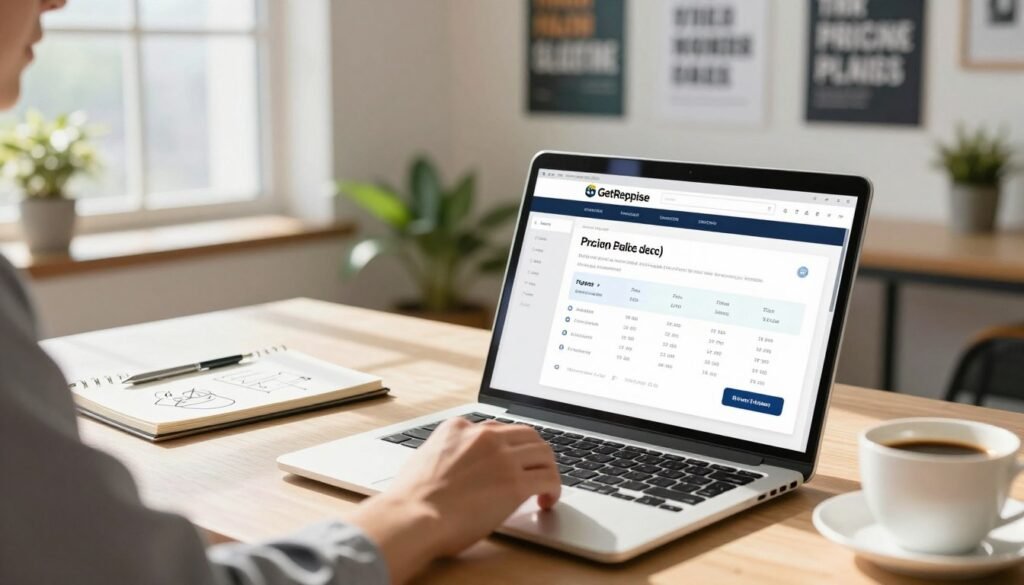
Use this time to test the website builder, email marketing, and other features. Check how each tool supports your customers, campaigns, and daily work. You can also review SMS, forms and popups, funnels, and webinars to see which options fit your plans.
“The best plan is one that fits the way you work.”
Review the current pricing details before you decide, since plans and included tools may vary. Look at how the platform handles emails and campaign data, and consider whether setup requires coding. A short test can help you judge the value without spending time on tools your business may not need.
| What to review | What to check | Why it matters |
|---|---|---|
| Plan pricing | Cost and included tools | Match spending to your needs |
| Trial terms | 14 days, no card, cancellation | Know the terms before starting |
| Product features | SMS, funnels, forms, webinars | Choose tools for your campaigns |
Conclusion
A strong campaign earns trust when every detail points toward one clear action. GetResponse combines designer templates, an AI-assisted builder, and simple tools for copy, images, and campaign details.
Forms, popups, and live chat help you connect with visitors, while SEO settings support your website. Then link each page to email follow-up and marketing automation, and use performance insights to guide steady improvements. Keep the landing experience focused on a clear offer.
With email campaigns and clear marketing goals, you can refine the experience over time. Before launch, review your landing page, confirm each action works, and make sure your message matches your offer. Try the free trial to explore the workflow, check how each feature supports your audience, and decide whether it fits your needs.